Hold the windows
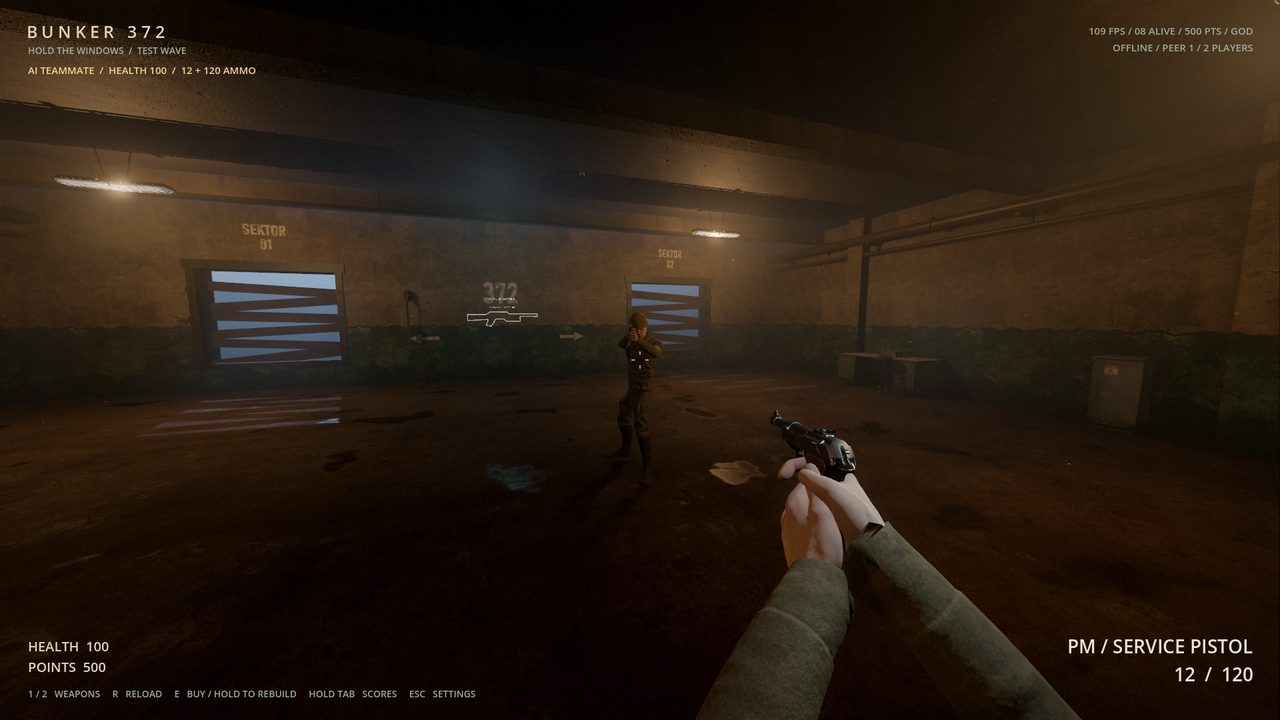
Zombies tear the boards off the windows and climb in. Nail the boards back, earn points and unlock doors to new rooms.
 BUNKER 372
Test build 20261024-m1
A first-person survival game set in a Soviet bunker. Hold the windows, nail the boards back up and survive the endless Red Army zombie onslaught with your friends.
DownloadWindows · Linux · macOS · up to 8 players on a LAN
Zombies tear the boards off the windows and climb in. Nail the boards back, earn points and unlock doors to new rooms.
Up to eight players on a local network. Empty slots are filled by AI soldiers who shoot, go down and revive you.
Firearms from pistol to minigun, a knife, a random weapon crate, an upgrade machine and drinks like TUGEV KALI and KIIRE KOHV.
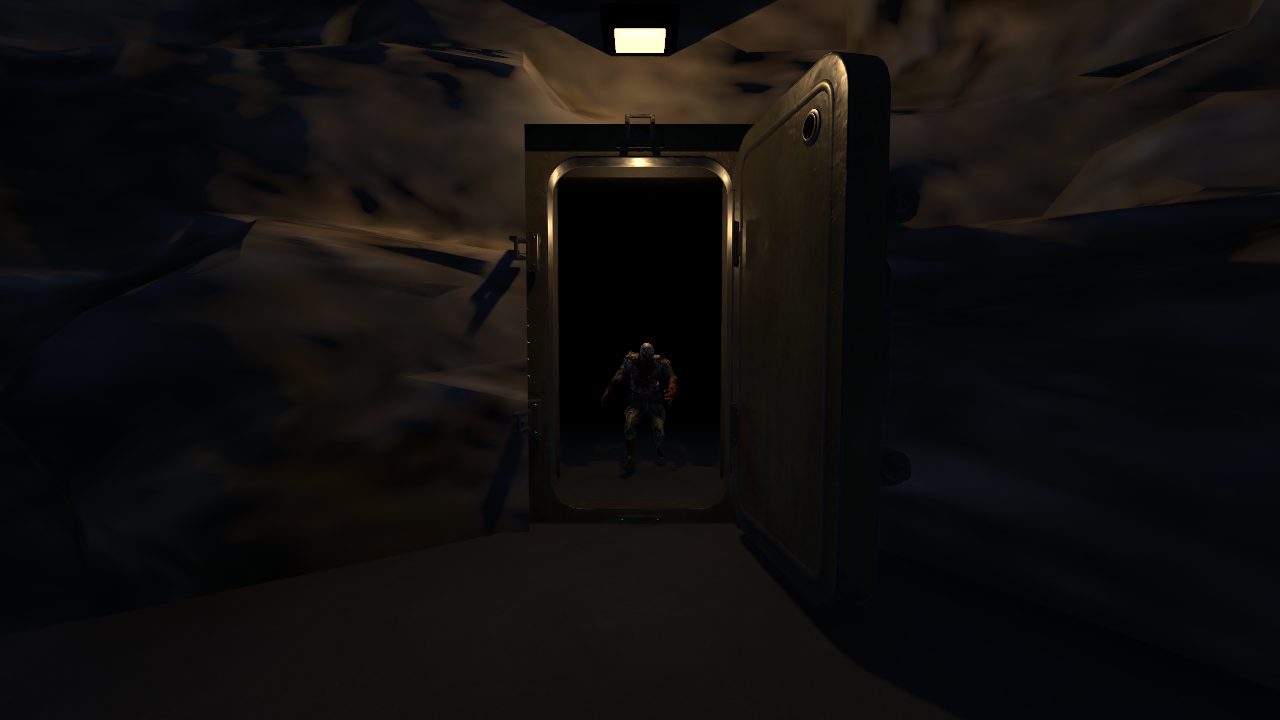
Every round brings more and faster enemies: stumblers, runners, helmeted brutes and exploding bombers.
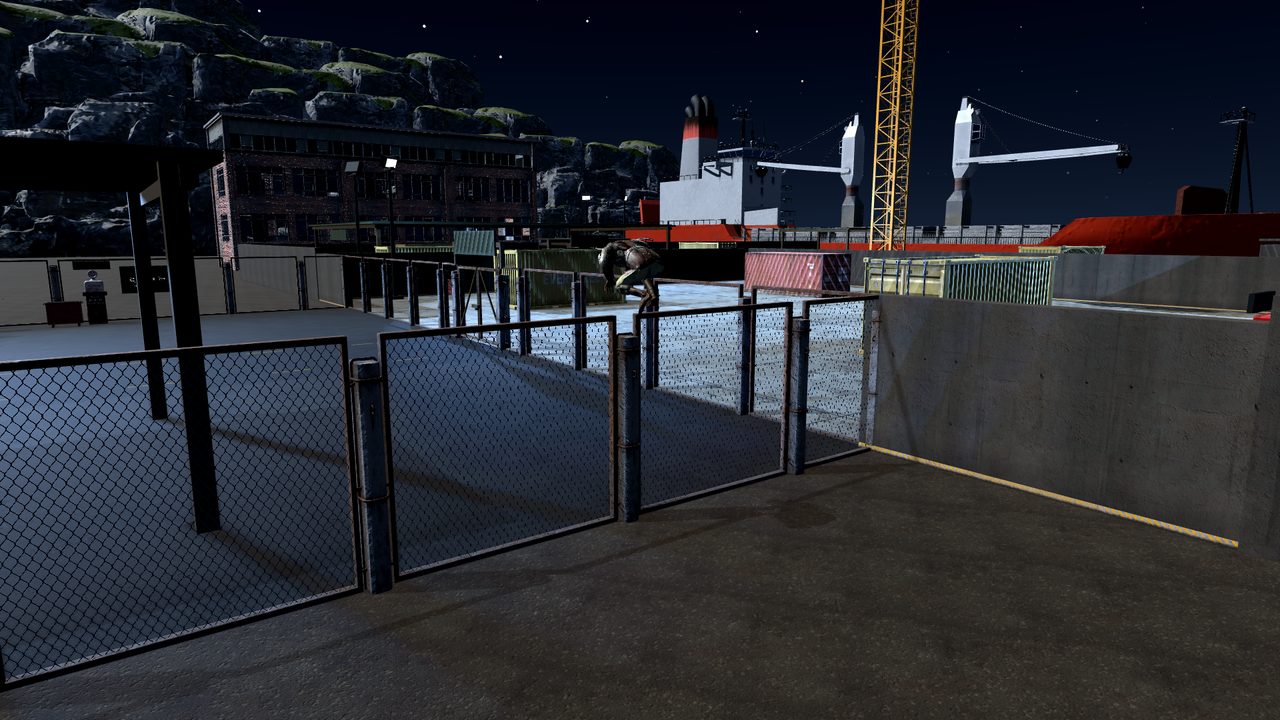
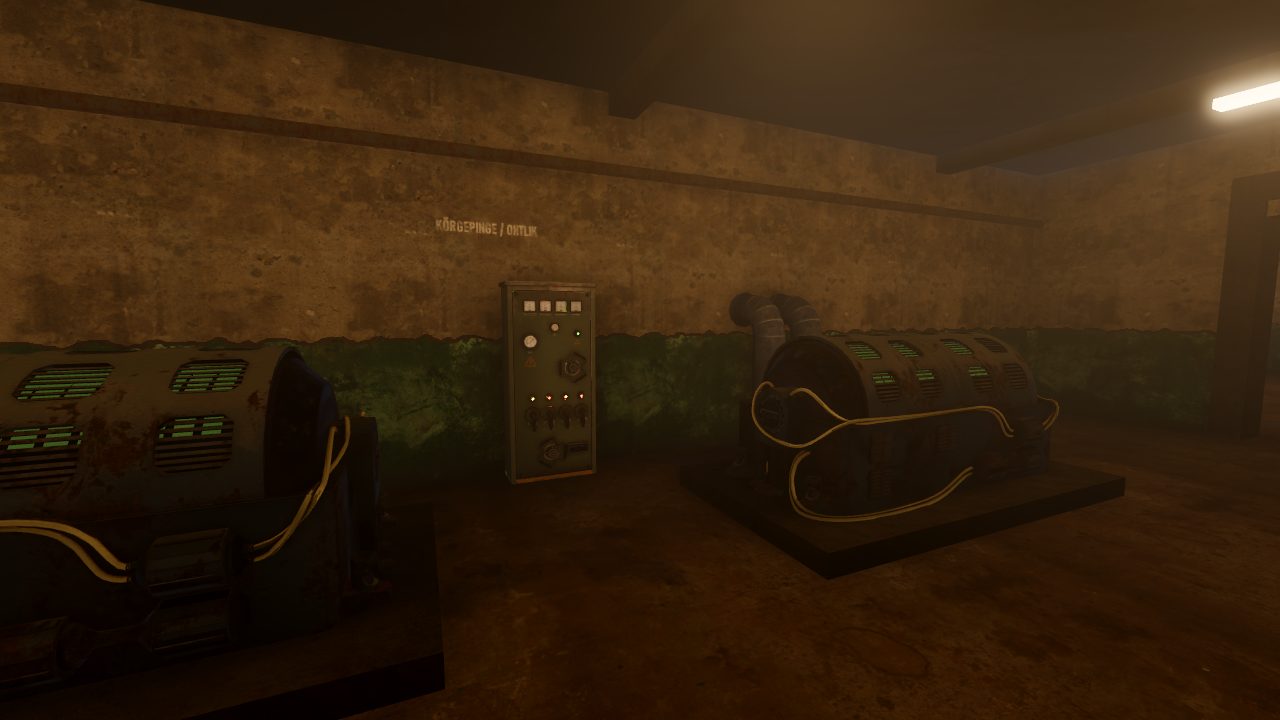
A damp concrete bunker with its corridors and generators, and a night-time cargo harbour where zombies climb over the fences.
Version 20261024-m1 · 2026-10-24 · Godot 4.7.2 · LAN protocol 20
1c0aadba1a8b9f40ca7bca6d6b11e52b6910310e286b56fdfafe13374540c922ecfb8b253d2ac7576902e85d94986d0a65da6799df15109b044ee64e4eee1ae641f8bea992cc58bc06eb0daded9223b853062fa7b91c567f14546c4577f6a3efAll checksums: SHA256SUMS.txt.
Verify a file on Windows with certutil -hashfile <file> SHA256,
on Linux and macOS with sha256sum <file> or shasum -a 256 <file>.
You do not need Godot. Extract the archive and run the game.
Bunker372.exe.tar -xzf Bunker372-*-Linux-x86_64.tar.gz./Bunker372/Bunker372.x86_64chmod +x Bunker372/Bunker372.x86_64Bunker372.app.127.0.0.1 only connects to your own computer.